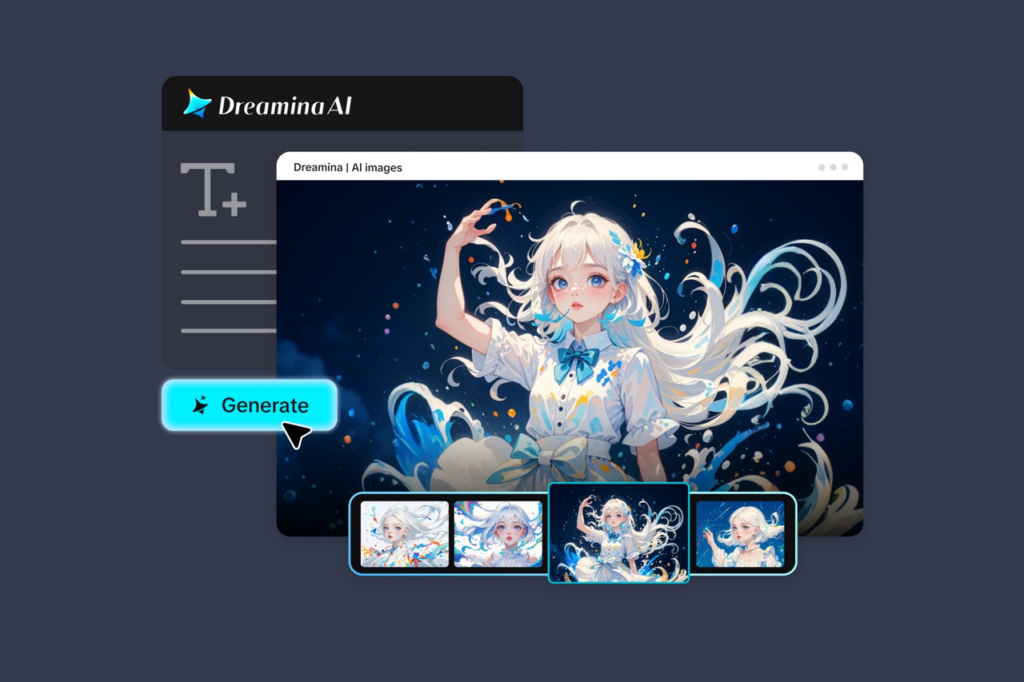
Have you ever wanted to make your own manga but been held back by your inability to draw? Well, it soon will be. Thanks to apps such as Dreamina, the focus is on stories, not drawing. You can craft mood-rich manga panels, characters and even comic scenes with words.
The beauty of this change is that AI is now more than a random anime character generator. Now, you can tell a story panel by panel, create moods and link scenes together. We can split the creation of your comic story into five ways.
Telling stories, panel by panel
Manga is about moments. Panels are snapshots of time, emotion or action. Rather than paragraphs, consider beats.
Start small. Someone waiting for a bus, an unexpected look, an unexpected event – all can lead to a sequence. Breaking your story into panels helps you to imagine and create.
Create a character who feels real
Your manga starts with a character. Think not just of their looks, but their personality, mood and purpose. Are they passive, or active and unpredictable? Are they tense, happy, or enigmatic?
Establishing these qualities helps establish continuity and build interest in your story.
Build immersive environments
The setting does more than provide context – it sets the mood. The background should complement your character’s emotions.
A rainy street can be reflective, whereas a busy neon city is vibrant. These decisions transform panels to film.
Express emotion visually
Manga is about emotions. Don’t use words to express emotion. A close-up can subtly convey emotion, and shadows can create drama. Even body posture can convey emotions. Consider each panel a moment of feelings, not movement.
Connect panels into a story flow
Each panel is important but they are strongest when they link. Your flow should take the reader from one point to another. For example:
- A character walking alone
- A sudden realization
- A face shot of the reaction
- A decisive action
This creates pace and keeps the reader interested.
Making Your Imagination Cinematic with the Help of Dreamina
Using the Dreamina AI art generator, you get to give your imagination a cinematic twist as your prompts get converted into anime images through lighting, perspective, and composition techniques.
Experiment with pacing and style
Each manga has its own speed. Some parts are slow, others fast.
You can use a variety of techniques by showing certain scenes in a slow, detailed manner and other scenes in a more dramatic, quick manner. This makes your book exciting and visually appealing.
Lights, prompts, manga! Creating panels with Dreamina
Step 1: Create a text prompt
Go to Dreamina and come up with a text prompt. In this case, you would be giving instructions on what you would want your manga panel to look like. For instance,
Teenage boy in school attire standing in a wet alley, rain and darkness, wet head, desperate expression, manga panel, detailed background lighting by street lamps.
Step 2: Tweak settings and create
After completing your prompt, adjust your parameters. Select the appropriate model based on the manga genre. Also, select an aspect ratio depending on the panel type. The higher aspect ratio works well for portrait panels. However, a lower aspect ratio works well for action or landscape panels.
Be sure to set your resolution. Use either 1k, 2k, or 4k for clear lines. After everything is set, click on the Dreamina logo to generate your panel.
Step 3: Customise and download
After making your comic panel, go ahead and edit your panel using Dreamina’s artificial intelligence capabilities. This way, you do not have to redo everything from scratch. Edit facial expressions by inpainting. Expand your background. Remove all distractions, and change the lighting to match your current mood. Once done with your edits, simply hit the Download button to download it and continue with your comic.
Bringing manga panels to life
Once you’ve created your panels, you can take your story to the next level by creating it as a video. This gives your story a more immersive and fulfilling experience.
The Dreamina AI video generator will allow you to create anime-style videos from text or images. Rather than still images, you have the option to create a scene that matches the mood of your story.
Begin by choosing a scene you’d like to bring to life. This may be a pivotal or emotional scene. Detail the scene, including setting, mood and lighting.
You can also use your generated panel to keep a consistent look for your characters and background. This will help keep your video consistent with your visuals.
This will give you a consistent anime style video, extending your manga into a different medium, and bringing it to life in a more exciting way.
Refining your creative process
With practice, there are always ways to fine-tune your work. Play with different lighting, expressions and settings to improve your panels.
Pay attention to details. Small adjustments can make a big difference
Don’t rush things. This is the chance to develop your story and enhance your visual storytelling.
Bring your comic vision to life
AI manga generation is about freeing your creativity. Storytelling is no longer limited to those with high-level art skills.
Dreamina offers a user-friendly platform to visualise your ideas. Whether you’re writing a prompt, creating a panel or even telling a story through video, you’re in control.
Leave a Reply